
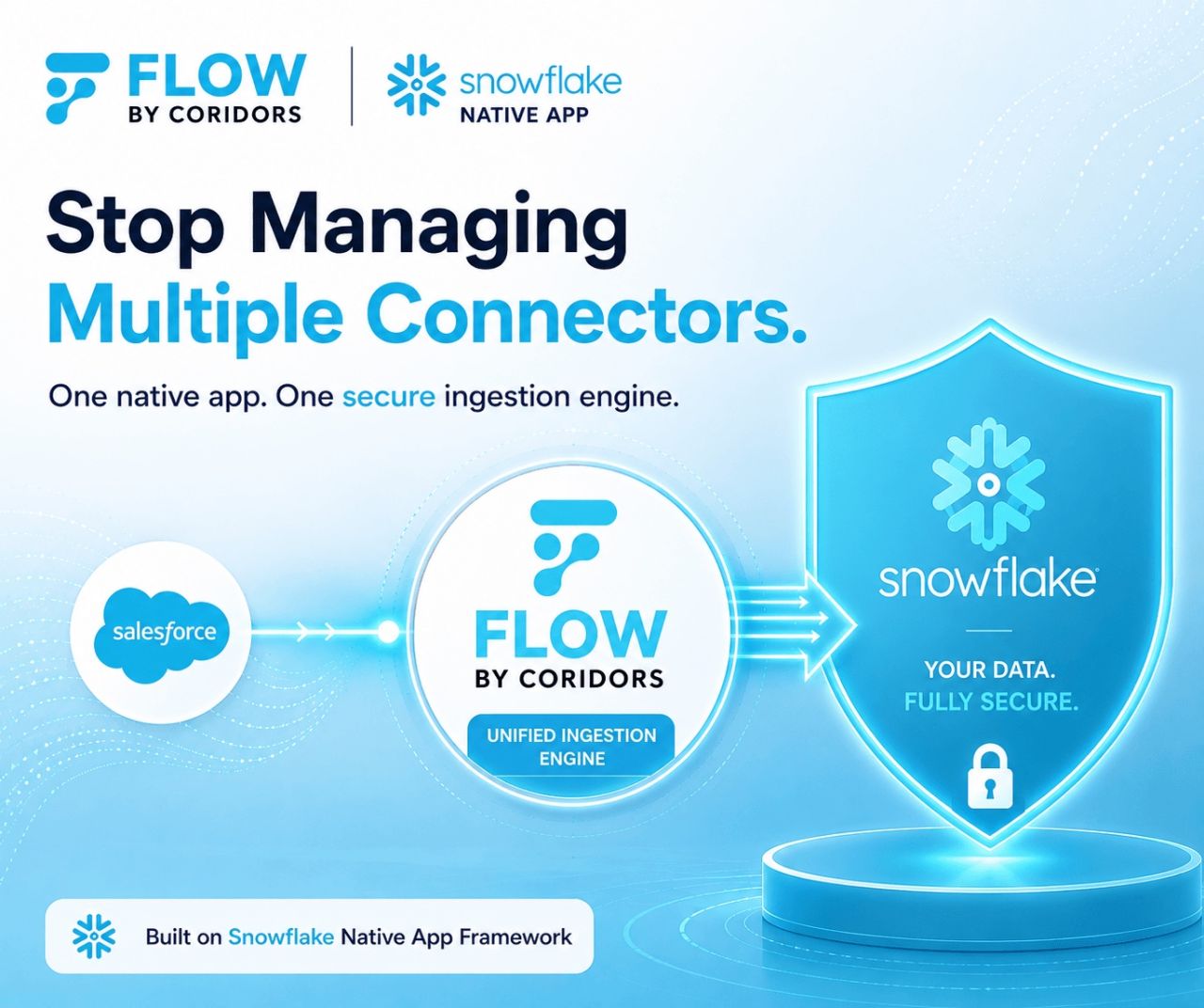
Flow by Coridors is now live on Snowflake Marketplace. It is a Snowflake Native App that pulls data from your SaaS platforms into Snowflake tables. You connect sources, choose the data, schedule it and monitor it, all from one application.
Salesforce is live today. GitHub, HubSpot and Zendesk are next. Below is what Flow does, how setup works, and when it is (and isn’t) the right tool.
The problem: one connector per source
Most teams that pull SaaS data into Snowflake end up with a patchwork. A Python script for one source. A third-party ELT service for another. A separate plugin for a third. Each has its own setup, credentials, schedule and failure modes.
That patchwork costs you in three ways:
- Operational load. Every pipeline is something to maintain, upgrade and get paged about.
- Credential sprawl. API keys and OAuth tokens end up spread across tools and scripts.
- Engineering dependency. Adding a new source usually means a ticket and a wait.
One app, many connectors
Flow is built as a unified ingestion engine. Each new source ships inside the same application, so you install Flow once. There is no separate plugin or connector to deploy per source.
In practice, adding a source later means picking it from a list in the app you already run. Your connections, schedules, logs and alerts stay in one place, whether you ingest from one source or several.
“Flow removes the operational overhead of running a separate connector for every data source. We built Flow as a unified engine: support for every new platform lives inside one application, instead of a separate connector for each source.” — Kunal Bhatia, CEO, Coridors
It runs inside your Snowflake account
Flow is a Snowflake Native App. It installs and runs in your own account, so your data and credentials stay inside your Snowflake security perimeter.
- Credentials are stored within Snowflake.
- Access follows the Snowflake roles (RBAC) you already manage.
- Source systems are accessed read-only.
- No extra infrastructure to host, patch or scale.
To be clear, native isn’t unique to Flow. Other Snowflake Native Apps, including Snowflake’s own OpenFlow, share this model. What sets Flow apart is the single-app design above.
From install to first pipeline in five steps
Flow is no-code. Setup is a point-and-click wizard inside Snowsight, so a data analyst can run it without an engineering ticket.
- Select a data source. Install Flow from Snowflake Marketplace, open it and choose a connector.
- Create a connection. Name it, enter your credentials and approve external access.
- Create an ingestion. Name it and confirm the connection and environment.
- Set ingestion details. Choose objects and fields, add optional filters and preview records.
- Schedule it. Set the frequency, timezone and warehouse, then activate the pipeline.
See Flow in action
What you control
Only the data you need. Our rule is “eat only what’s important.” You pick specific objects and fields, so your Snowflake tables stay lean, cheaper to store and ready for analytics.
Scheduling that fits. Run recurring ingestion daily, weekly or monthly, or do a one-time historical load. You choose the timezone and the warehouse that does the work.
Monitoring you can see. Each run is recorded in an execution history with full logs. Email alerts tell you when an ingestion fails, so you aren’t the last to know.
Where Flow stands today
We’d rather be precise than impressive here.
| Connector | Status |
|---|---|
| Salesforce | Live |
| GitHub | Coming next |
| HubSpot | Coming next |
| Zendesk | Coming next |
| Your source | Request it |
Is Flow right for you?
Flow is a strong fit if you:
- Run on Snowflake and need Salesforce data in it now.
- Plan to add more SaaS sources and want them in one app, not one tool per source.
- Want analysts to set up ingestion without writing code.
- Need data and credentials to stay inside your Snowflake account.
Get started
Flow is available now on Snowflake Marketplace, with plans starting at $89 a month. An unlimited 7-day trial is also available. Billing runs through your Snowflake account, so there is no separate vendor contract to set up.
Learn more at coridors.io/flow, or write to us at [email protected] with questions or connector requests.